Before the session: configuration, not calling
Session setup is configuration. Before an operator opens a queue you decide who is in it and under what policy.
- Carrier and numbers. You connect your own Telnyx account, authorized numbers and caller ID. DialBreeze does not resell minutes and does not charge per dial; your carrier bills you directly.
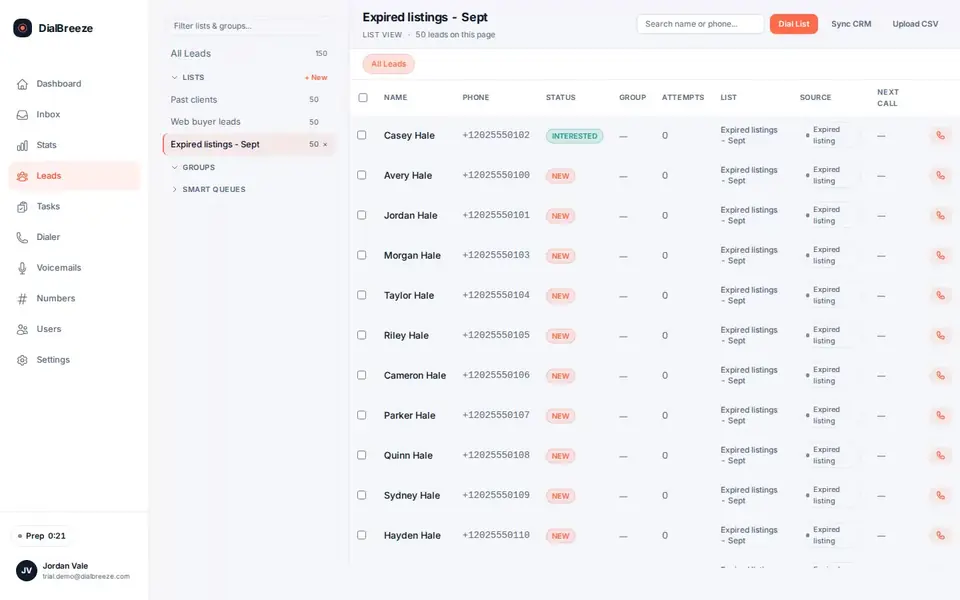
- List. A lead list enters through a CSV workflow. A CSV export from a source vendor or CRM is a file you control and test; it is not a native integration, so inspect representative field shapes with a small synthetic file and confirm the production import separately.
- Campaign policy. Set the supported calling windows, internal do-not-call handling and attempt caps before the session. Separately agree the recording policy and confirm that the available configuration supports it; do not leave either decision to operator memory.
The list you release still has to be eligible. Calling controls enforce a policy; they do not create permission to call anyone. The list workflow guide covers the review that happens before a list reaches a session.
During the call: keep the context and controls together
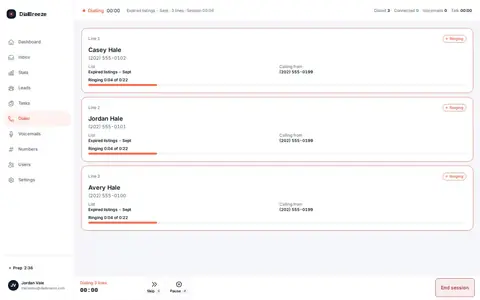
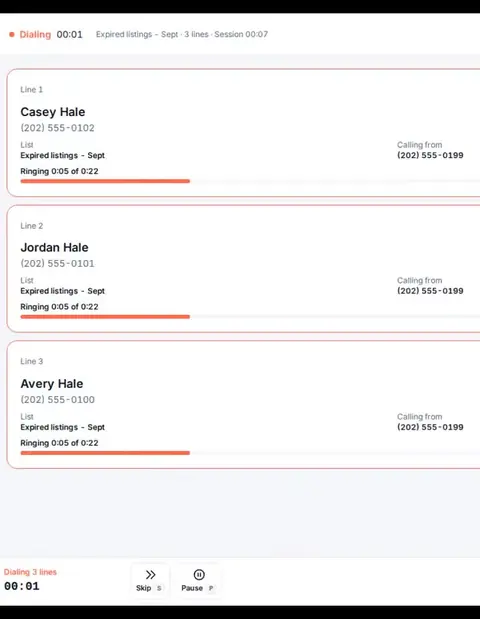
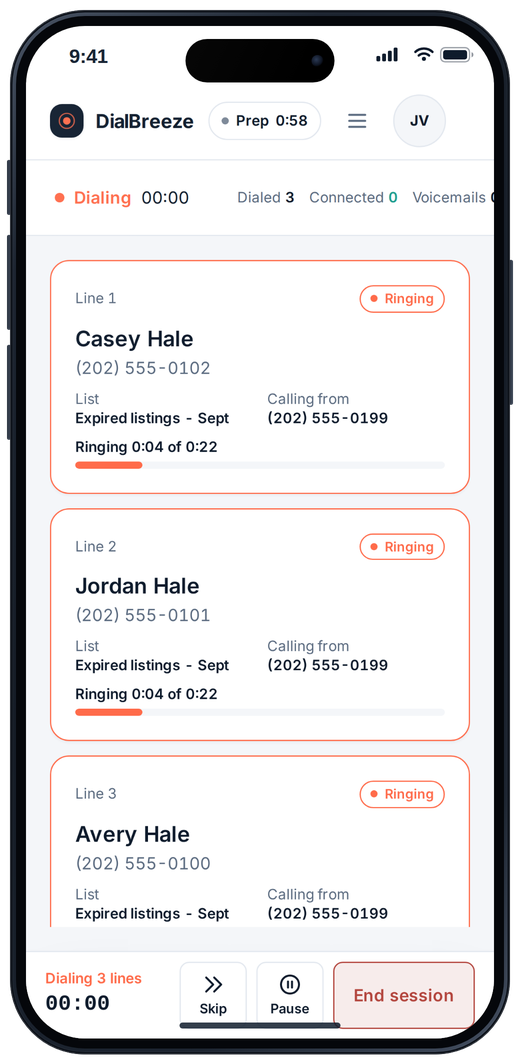
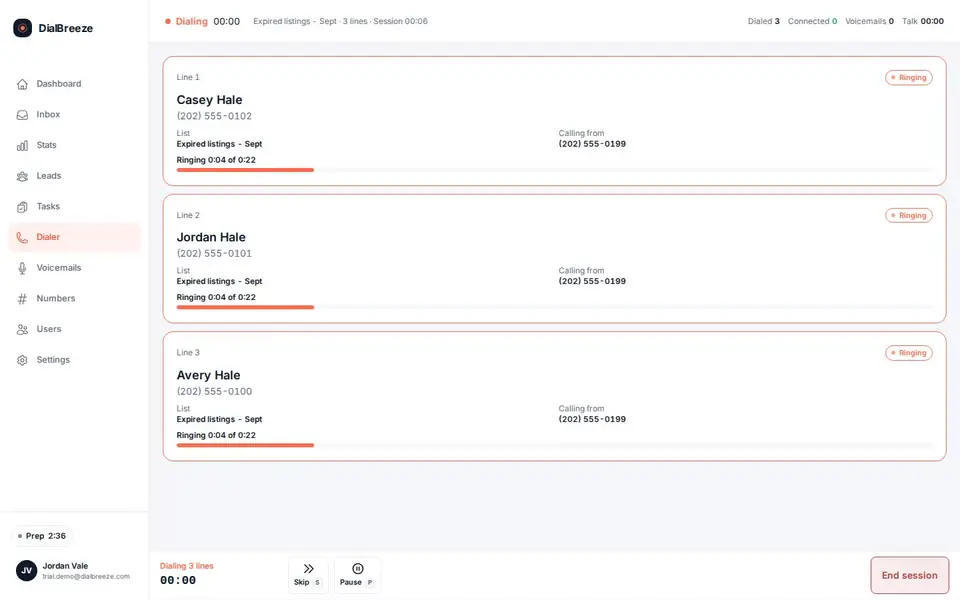
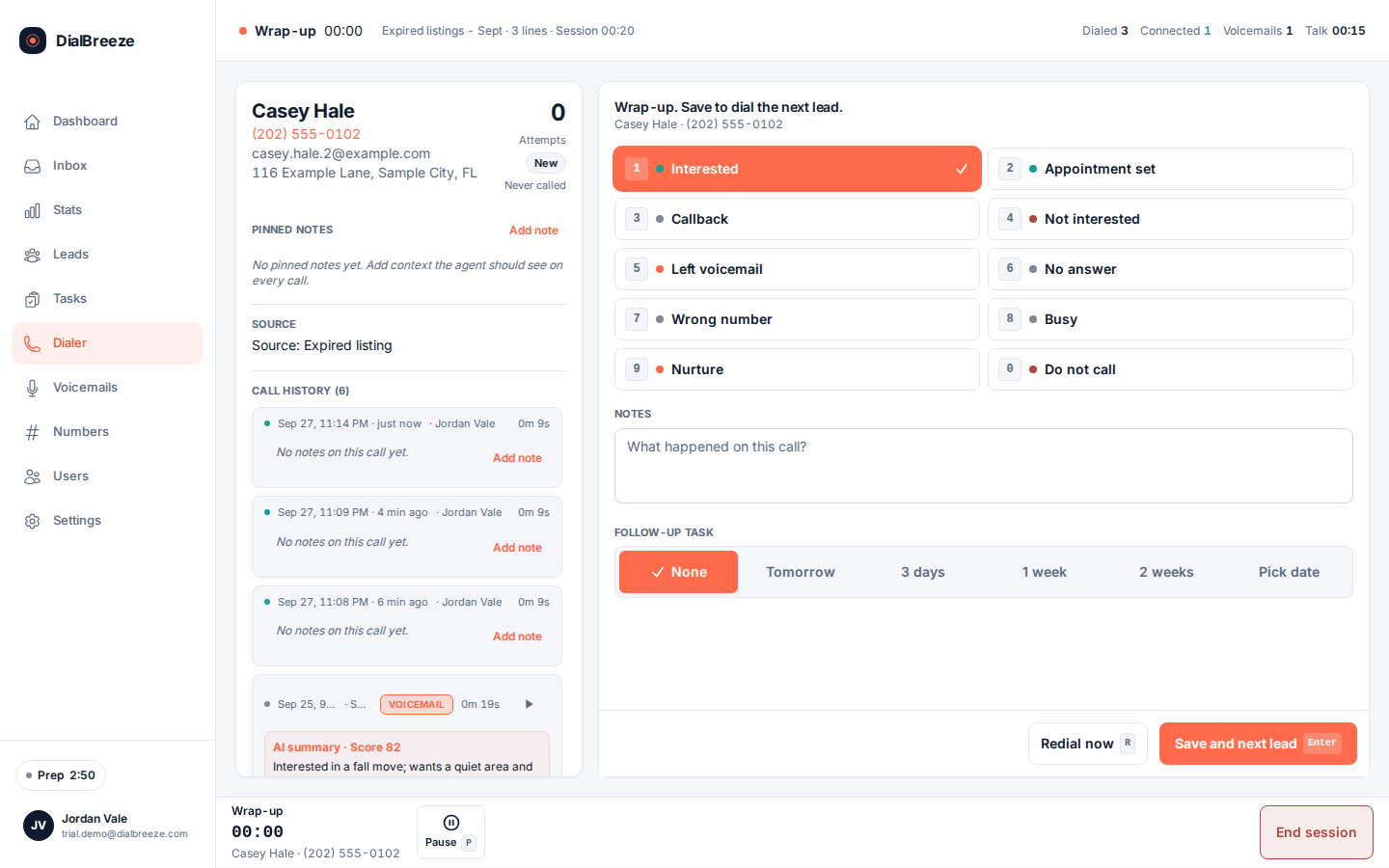
DialBreeze supports up to three concurrent lines for an operator. The human handles the conversation, with the lead context, call controls, outcome, note and follow-up task in the operator interface. AI does not take over the call or decide who should be contacted.
Answering-machine detection is part of the dialing workflow, not proof that every answer will be classified correctly. A machine can be treated as a person and a person can be treated as a machine. Inspect what the operator sees in those cases and what happens when two people answer close together; do not substitute a line-count claim for an observed result.
Browser audio uses WebRTC and the configured Telnyx connection. Confirm microphone permission, the selected headset and the supported network before releasing a live list. See multi-line dialing, browser setup and voicemail drop for the checks that belong to each step.
After the call: an outcome and a reviewable record
Save the outcome, the important note and any agreed follow-up while the conversation is fresh. Those are operator actions; an AI summary does not replace them or create permission for another call.
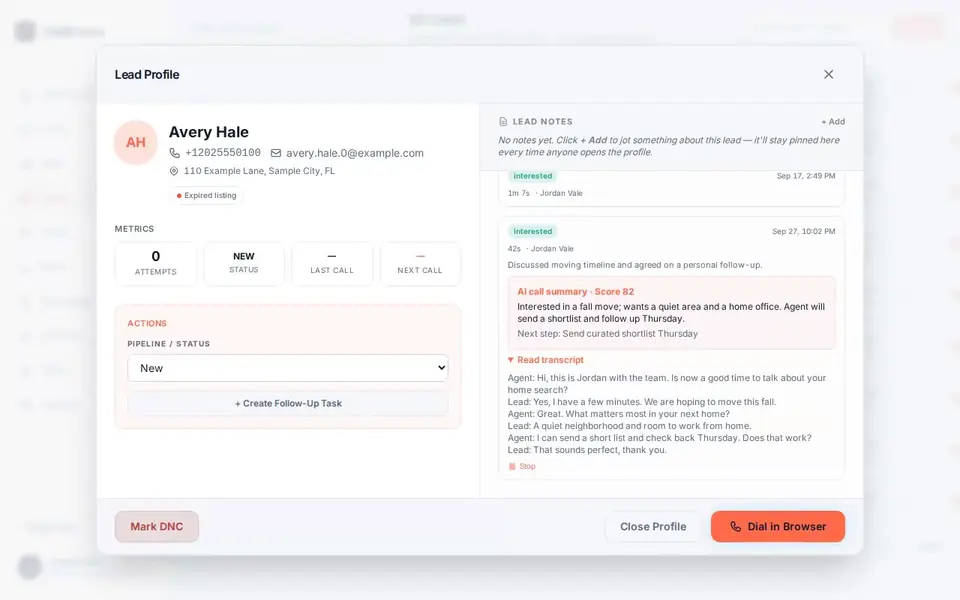
Where a usable recording is available, after-call processing produces a transcript, fixed structured fields and summary. The transcript helps inspect wording, the structured fields give signals for review, and the summary provides a compact handoff. They are distinct outputs, not a guarantee that every attempt will produce all three.
Missing audio, incomplete processing and recognition mistakes need separate handling. Read the recording workflow and AI output guide, then verify material names, dates, amounts and commitments against the audio before acting on them.
Dispositions and the safeguards behind them
Two things close a call: the disposition the operator sets and the safeguard the campaign already carries.
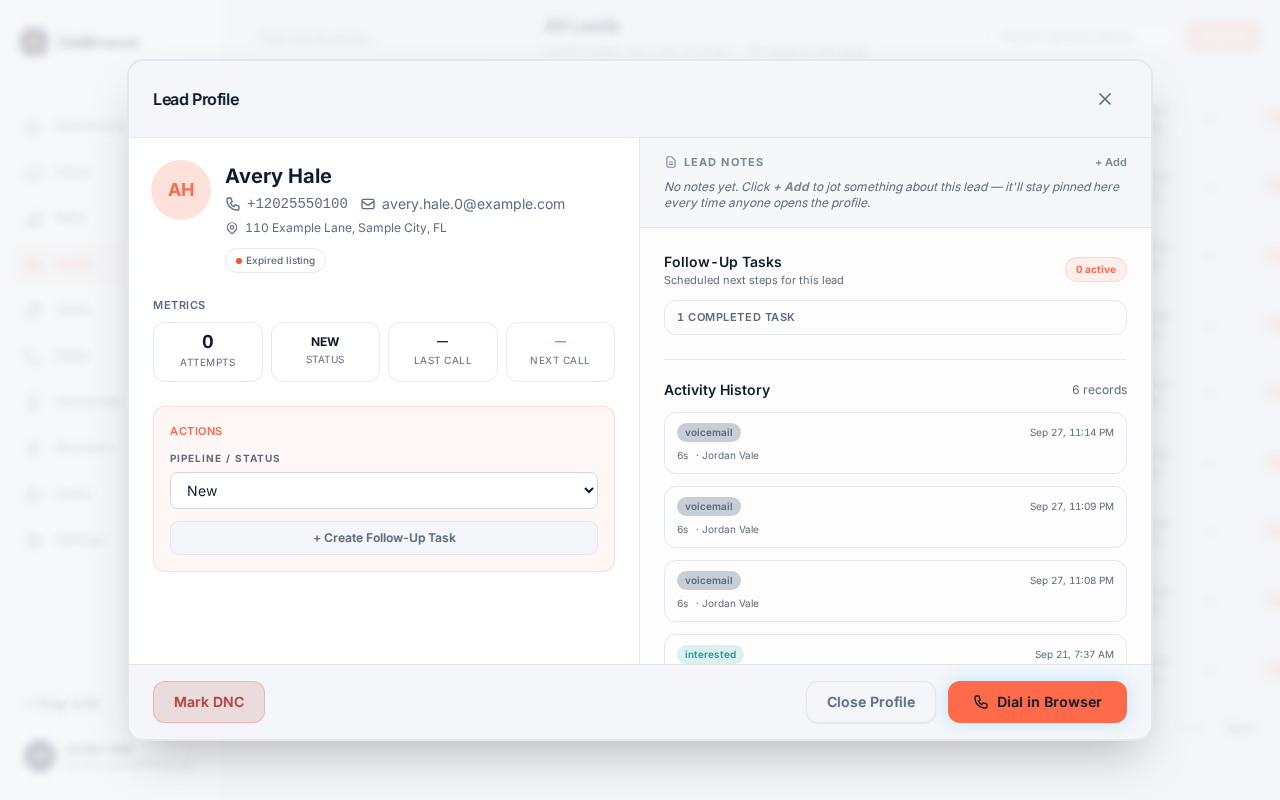
- Outcome, note, task. The operator marks what happened, records context and creates the next action. That record is what the next operator or the owner reads.
- Stop handling. A request to stop belongs in internal do-not-call, not in an ordinary callback status. The DNC policy describes the suppression path.
- Quiet hours and caps. Calling windows and attempt limits are enforced against the configured policy. A cap is a maximum, not a target to exhaust.
- Recording policy. Whether a call may be recorded, and what the operator must say, is a campaign decision made with the person responsible for compliance, not a default you can assume.
What each plan includes
Every plan includes browser calling, lists and CSV import, dispositions, call recording, tasks, internal DNC and quiet hours. Three lines, voicemail drop and after-call AI start at Pro.
- Starter: $25 per month. One dialing seat, single-line power dialing, no AI and no voicemail-drop library.
- Pro: $49 per month. One dialing seat, up to three lines, voicemail drop library, caller-ID rotation, AI transcripts and summaries, webhook export.
- Team: $79 per month for two dialing seats, plus $20 per added dialer. Everything in Pro, plus the admin console, shared lists, and team reporting and call review. Only dialing seats are billed.
- Enterprise: contact us. 10 or more dialers, with onboarding and support scoped in writing.
Team seats are month to month; to add or remove a dialer, contact support until self-serve seat management ships. Billing is processed by our parent company, MIRA. Stripe sends your receipts. Contact support for subscription changes. Twilio bring-your-own-key support is planned, not live. See pricing.
Where the toolkit stops
Practical limits, stated before you buy. An individual call can have missing audio, and a transcript, structured field or summary can be delayed, incomplete or wrong. AMD misclassifies in both directions. A second live answer during a multi-line session is a case to test in your own environment rather than assume. A three-line limit, a human on the call and a saved task do not remove duties that apply to prerecorded messages, abandoned calls, calling windows, identity or do-not-call handling. Nothing on this page is legal advice.
See the workflow before you choose a plan
Setup is assisted: a person on our team provisions your workspace, and there is no free trial or instant self-serve signup. After provisioning, you connect your own Telnyx account and real calling lists. Same-business-day provisioning is our target, not a guaranteed access time.
Request setup or read the detail pages for multi-line dialing, voicemail drop, call recording, AI summaries and browser calling.