1
Before the session.
Setup is policy, decided once, not remembered by the operator.
- Connect your carrierLink your own Telnyx account, numbers and caller ID. We confirm a test call with you before any live list.More
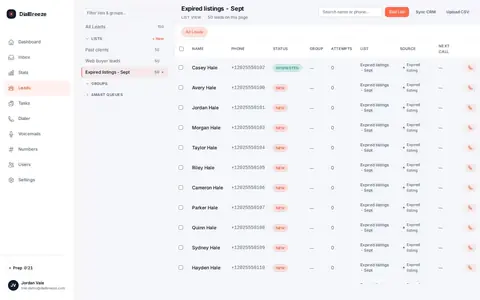
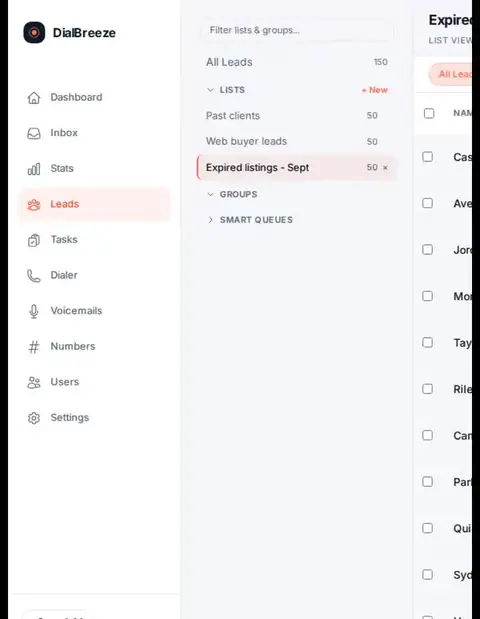
- Import a listUpload a CSV into a named list. Map the columns and check a small sample first.More
- Set the rulesChoose lines (one to three), attempt caps, and rely on per-lead quiet hours and the internal DNC list to skip ineligible leads.More
2
During the call.
The dialer does the waiting. The operator does the talking.
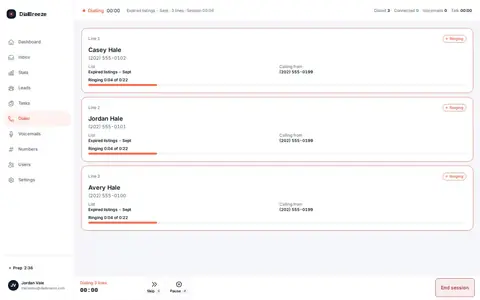
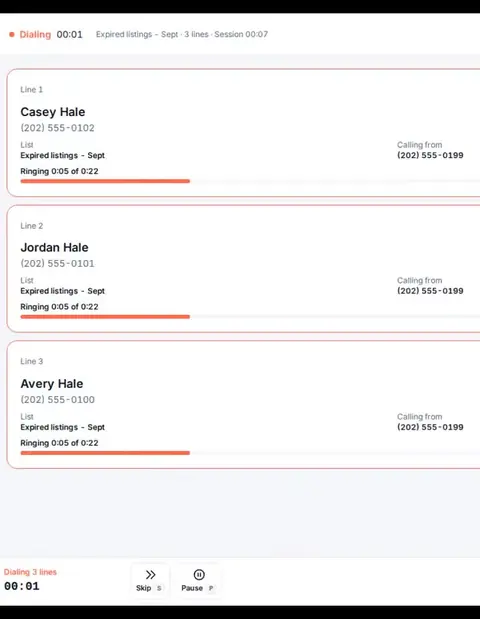
- Up to three lines ringOne operator, up to three numbers at once. The first human answer comes to the headset in the browser.More
- Machines get your messageWhen a line reaches voicemail, one key leaves your prerecorded drop while you keep working.More
- Outcome on a hotkeyPick one of ten outcomes with a number key, add a note, and the next dial waits for your wrap-up.More
3
After the call.
The recording turns into a record someone else can act on.
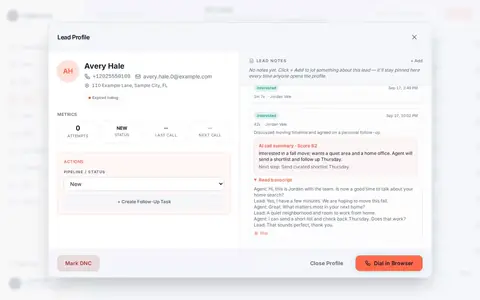
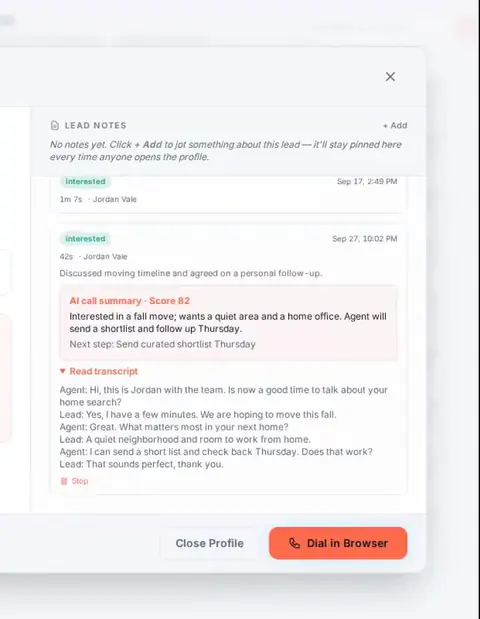
- Recording on the leadConnected calls are recorded and attached to the lead for playback by signed-in teammates.More
- Transcript, structured fields, summaryAfter-call AI writes a transcript, extracts intent, timeline, objections and next step, and summarizes the call.More
- Hand it offA follow-up task with a due date, and a signed webhook to your CRM if you use one.More
Who does what.
The split of responsibility is the product.
The operator
- Takes every live conversation
- Chooses the outcome and writes the note
- Agrees the next step with the person
DialBreeze
- Works the queue, up to three lines
- Skips leads outside quiet hours, on DNC or over the attempt cap
- Records, transcribes, extracts fixed structured fields and summarizes
Your business
- Owns list eligibility and consent
- Owns the carrier account and numbers
- Sets the recording and calling policy

Works for one operator at a kitchen table or a floor of reps sharing lists. Lifestyle photo for illustration.
Questions.
Does the AI talk to the people I call?
No. A human leads each connected call. AI works only on the recording after the call ends, to write the transcript, structured fields and summary.
What do I need to install?
Nothing but a current browser, a headset and microphone permission. Calls use WebRTC through your Telnyx account.
How long does setup take?
We target same-business-day workspace setup once a plan is paid. This is a target, not a guaranteed access time. Your access and connection instructions arrive by email when the workspace is ready.
How fast does it dial?
In production use at three lines, the median active calling hour reached about 85 dials and the median operator day about 600. Your list and hours will change that; see the benchmarks for the method.
Run a session yourself.
Setup is assisted: a person on our team creates your workspace. Calls run on your own Telnyx account.