1. Home
  2. Features
  3. Call recording

Call recording

Every recorded call, attached to its outcome

When a call connects, the audio can be captured and filed against the call record, beside the disposition, the notes and the follow-up. Recordings do not sit on a public link: playback is authenticated, and only signed-in users can stream them. Here is the capture path, the review flow, and the decisions you own first.

Real product interface. Sample data, fictional people and numbers.

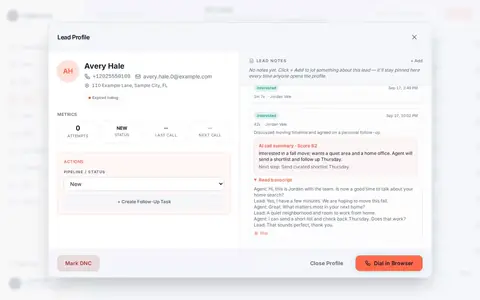
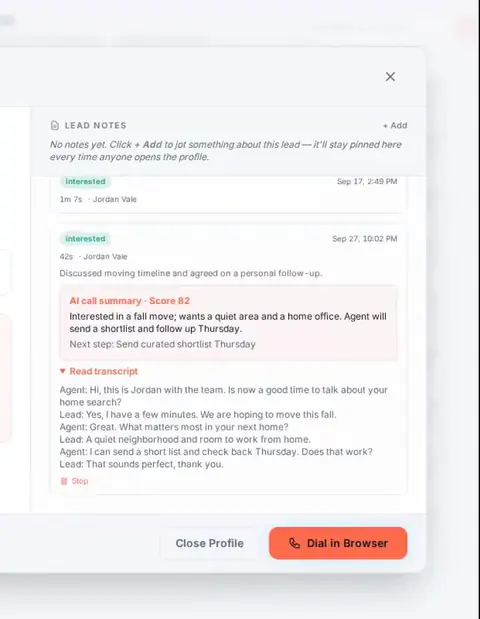
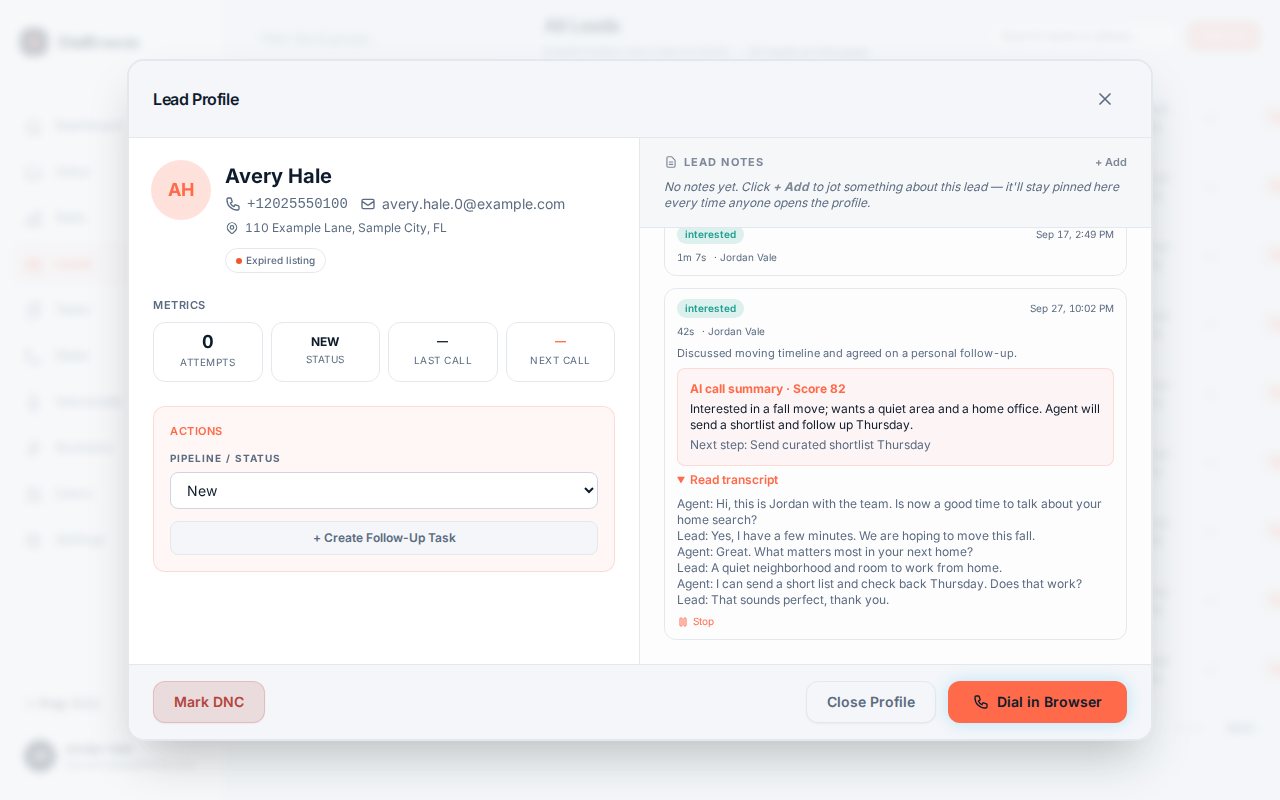
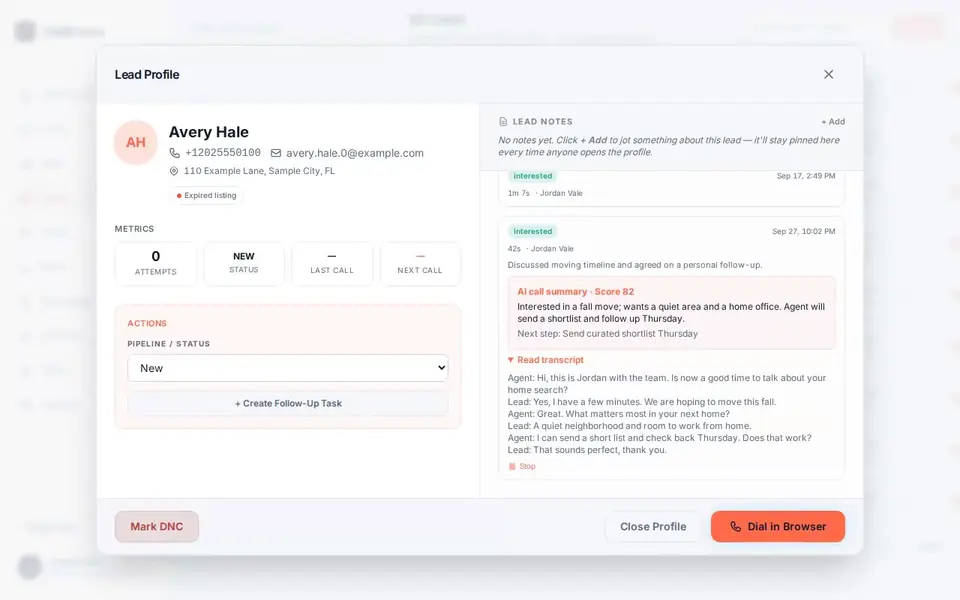
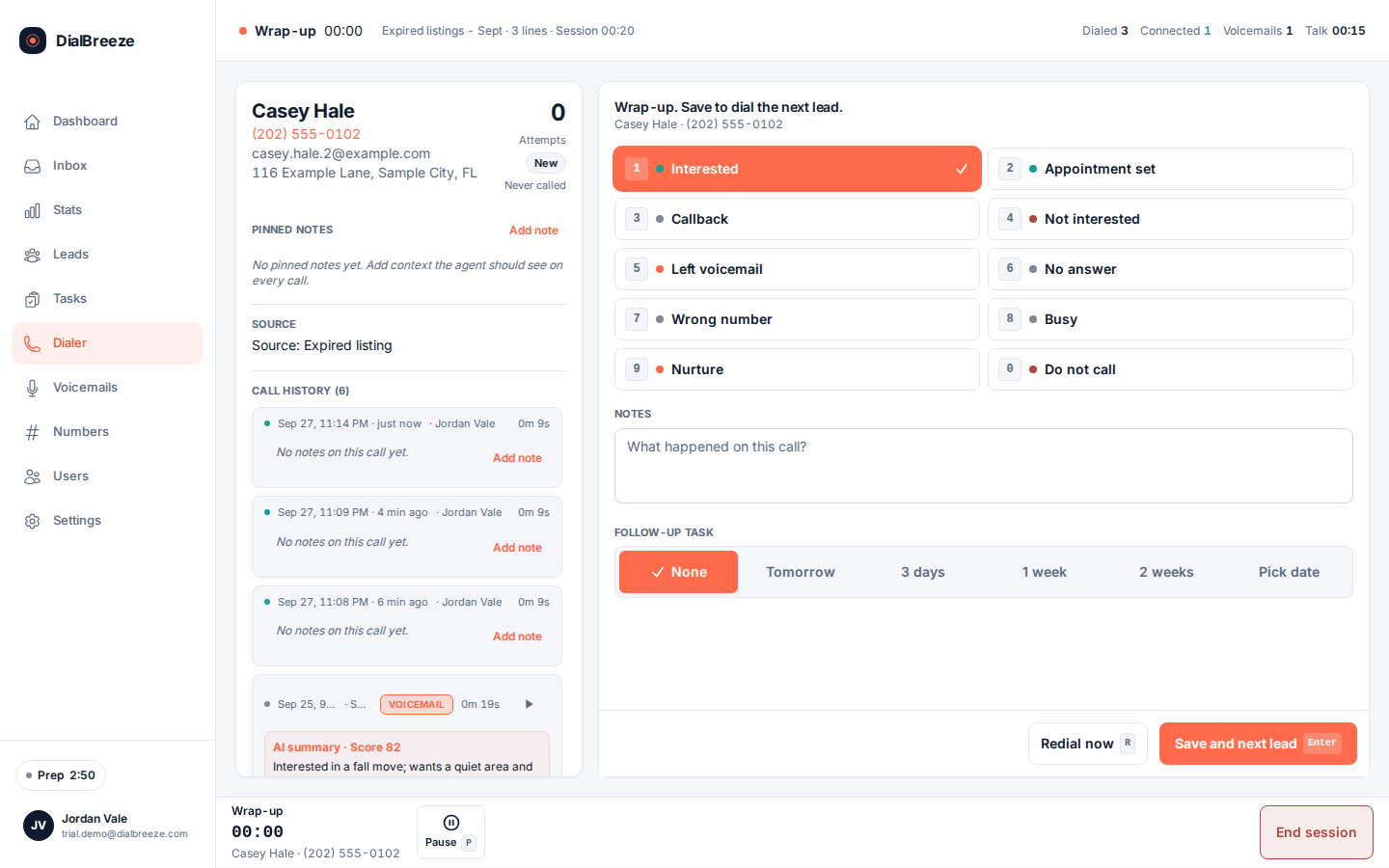
After-call review with a playable recording attached to the call record. Screen recording of the product with seeded sample data; simulated calls. No narration or source-call audio is included. Pause or seek to inspect a frame.

How it works.

4 steps, in the order they happen during a session.

  1. 1

    Audio files against the call

    The recording attaches to its call record, with the lead, the operator and the outcome on the same screen. You review from the record, not from a folder of untitled audio files.

  2. 2

    Playback is authenticated

    Recordings stream only to signed-in users through an authenticated route. Public requests for the recordings directory are refused at the edge and in the app, so audio does not leak through a shared link.

  3. 3

    Review with the outcome

    Open a disposition, play the exchange that produced it, and compare what was said with the note and the follow-up task. Disputed outcomes and coaching both start from the audio.

  4. 4

    Then hand off

    The transcript and summary generated from the recording sit on the same record. Whoever takes the next step can read first, listen second, and act on verified facts.

The specifics.

What the product does today. Plans from $25 per seat; three lines, voicemail drop and AI start at Pro, $49.

After-call review with a playable recording attached to the call record
Real product interface, sample data.
Access control
Recording playback requires an authenticated session; public paths are refused.
In the record
Each recording files under its call, with lead, operator and disposition.
Plans
Recording is included on Starter, Pro and Team, with no per-recording charge.
Coaching use
Compare the audio with the operator's outcome and note before feedback.
Derived outputs
Transcript, structured fields and summary come from the recording when audio is usable.

Consent is a campaign decision

Whether you may record a call depends on the jurisdictions in play. Some states require all parties to consent, others work on one-party consent, and none of that is decided by the software. Recording consent needs an actual jurisdiction review and an approved policy, made with the person responsible for your campaign, before production calls are recorded.

Keep the decisions separate, because they do not travel together. Permission to call is not permission to record. A lead who keeps talking has not thereby agreed to be recorded. And the operator needs a process: what to say when recording starts, and what to do when someone objects or the policy for that contact is unclear. A hold-and-escalate path beats an improvisation live on a call.

The product records what you configure. It does not make recording lawful, and this page is not legal advice.
Review, coaching and disputes

A recording earns its place in coaching. Pick the behavior you want to address, an unclear introduction, a missed stop request, an imprecise callback agreement, and listen to the exchange with the operator. Connect feedback to what was actually said rather than to a structured field alone.

For a disputed outcome, put the recording next to the operator's note and the follow-up task. A complete recording can clarify what was said. A partial one cannot establish what happened outside the captured segment, so preserve that limit instead of smoothing it over.

Decide who may review or share audio, and keep that decision separate from what a plan includes. This feature describes after-call review; it does not promise live call monitoring or an unlimited archive.

Storage questions to settle first

Before production data flows, get written answers to the handling questions. Where does the audio live, and who can reach it. How long is it kept, and who decides. How do recordings leave or get removed when you need an export, an audit or a departing operator's history. Plan names are not data-handling agreements, so ask before checkout rather than during a deadline.

What is verifiable today: playback streams only through an authenticated route to signed-in users, with public access to the recordings location refused both at the edge and in the app. Where the bytes are stored beyond that, and for how long, is an arrangement to confirm with support for your deployment.

Recording is included on every plan: Starter at $25 a month, Pro at $49, and Team at $79 for two dialing seats plus $20 per added dialer. There is no recording add-on and no per-recording charge. Your Telnyx account bills carrier services separately.

Establish the source before relying on it

A recording is the available audio associated with a call. Inspect whether its content and length support the review you intend to perform. The existence of a file does not establish that both sides are complete or that everything said during the call was captured.

Audio can be unavailable, incomplete or unclear. Investigate the actual record and capture path rather than assigning an unverified cause from a missing file. The transcript and summary cannot supply evidence absent from the source.

Use permitted test recordings during setup, then conduct any separate production acceptance check under the customer's approved recording and calling policy. Inspect the source and output independently rather than treating a connected call as proof of successful capture.

Read the outcome, then inspect the source

A recording is most useful when the reviewer can identify the corresponding call and compare it with the operator's outcome, note and next step. Start from the correct record rather than an audio file detached from its context.

Choose a review sample with a purpose. For example, inspect a new operator's permitted recordings to check the opening and next-step handling, then separately review any disputed outcome. This is a proposed review method, not a claim that a particular number of recordings produces a measured coaching result.

Listen to enough context to understand the exchange. Record the relevant point and reference rather than pasting unnecessary personal information into a broad team channel. Where the recording is unavailable or incomplete, preserve that limitation instead of presenting an AI summary as a substitute source.

Use audio as evidence, with its limits

For coaching, identify the behavior you want to discuss: an unclear introduction, a useful question, a missed stop request or an imprecise callback agreement. Listen with the operator and connect the feedback to the actual exchange rather than to a structured field alone.

For a disputed outcome, compare the available recording with the operator's note and the follow-up record. A complete, attributable recording can clarify what was said. A partial recording cannot establish what happened outside the captured segment, and a recording's existence alone does not establish that capture was permitted.

Decide who is allowed to review or share audio and keep that decision separate from whether the feature is included in a plan. This page describes after-call review; it does not promise live monitoring, a particular manager permission model or an unlimited audio archive.

Storage, retention and access questions to settle first

Before you upload production data, get answers in writing to the questions that decide whether the setup fits your operation. Do not assume an answer that has not been given to you, and do not accept a plan name as a data-handling agreement.

  1. Where are recordings held? Carrier ownership of the calling account does not by itself mean recordings are stored in your carrier account or on hardware you control. Establish where the audio lives and who can reach it.
  2. How long are they kept, and who decides? Retention expectations vary by industry, by state and by the campaign. Do not assume unlimited retention or automatic deletion.
  3. How do records leave or get removed? If you need an export for a matter, an internal audit or a departing operator, confirm the mechanism before you need it rather than during a deadline.
  4. Who inside your team sees what? Operators, managers and owners may need different scopes. Discuss role and access needs rather than assuming a permission model.

These are procurement conversations, not product guarantees. Raise them before checkout so the arrangement is explicit. The privacy notice and service terms are the starting documents.

What recording costs

Recording is included on Starter at $25 a month, Pro at $49 and Team at $79 for two dialing seats plus $20 per added dialer. There is no per-recording or per-minute software charge and no separate recording add-on. Transcripts and summaries of those recordings start at Pro. Your own Telnyx account bills separately for carrier services. See pricing for the seat and support differences.

Limits

Audio can be missing or partial. Derived outputs inherit any problem in the audio. Consent must be established per campaign with the applicable jurisdictions. Storage, retention, export and access arrangements are business decisions to confirm, not defaults you can rely on without asking. None of this is legal advice.

Hear a recording on a test call

Setup is assisted: a person on our team provisions your workspace, and there is no free trial or instant self-serve signup. After provisioning, you connect your own Telnyx account and real calling lists. Same-business-day provisioning is our target, not a guarantee. Request setup, then read what the AI layer does with the audio in AI summaries.

Questions about call recording.

Straight answers. Anything else: email support.

Who can listen to a recording?
Only signed-in users on an authenticated route. The public path to the recordings directory is refused at the edge and in the app, so a recording cannot be fetched through an open link. Within that, decide which of your people may review audio, and keep that decision with the person responsible for the campaign rather than assumed from a plan.
Is recording included or an add-on?
It is included on every plan: Starter at $25 a month, Pro at $49, and Team at $79 for two dialing seats plus $20 per added dialer. There is no per-recording charge and no recording upgrade. Carrier usage bills separately through your own Telnyx account at Telnyx rates.
Does a recording prove what happened?
A complete recording is strong evidence of what was said in the captured segment. A partial recording cannot establish what happened outside it, and the existence of a file does not prove capture was permitted. Compare the audio with the operator's note and the follow-up task, and treat gaps as gaps rather than filling them from memory.
Can I use recordings for coaching?
Yes, and audio beats structured fields for that. Pick the specific behavior, an opening, a question, a missed stop request, and listen with the operator. The recording sits beside the disposition and the note on the call record, so the feedback connects to the actual exchange. What you may record, and what you may play to whom, stays your policy decision.
What happens if the audio is missing?
Treat it as unavailable rather than guessing a cause. The transcript and summary cannot supply evidence absent from the source, so complete the operator's outcome and follow-up task from what the operator documented, and report the call reference to support for investigation. Do not wait indefinitely, and do not reconstruct the missing content.

Try it on a real session.

Setup is assisted. A person on our team creates your workspace, admin login and dialing seats after you choose a plan or send a setup request; there is no instant self-serve signup. Calls run on your own Telnyx account (bring your own), which Telnyx bills separately, and need an eligible calling list. The request form takes no payment and does not create an account.

Request setupPricing