1. Home
  2. Features
  3. Call transcription

Call transcription

A word-for-word transcript on the call record

After a recorded call ends, the after-call worker transcribes the audio and files the text on the call record, beside the summary and the fixed structured fields. You get the wording, including your own, exactly as the machine heard it. That includes errors, which is why the recording stays the source of truth.

After-call review showing the call transcript beside the playback controls and summary. Screen recording of the product with seeded sample data; simulated calls. No narration or source-call audio is included. Pause or seek to inspect a frame.

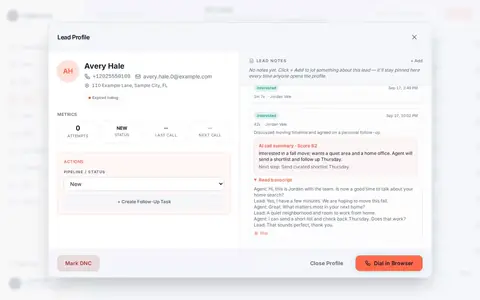
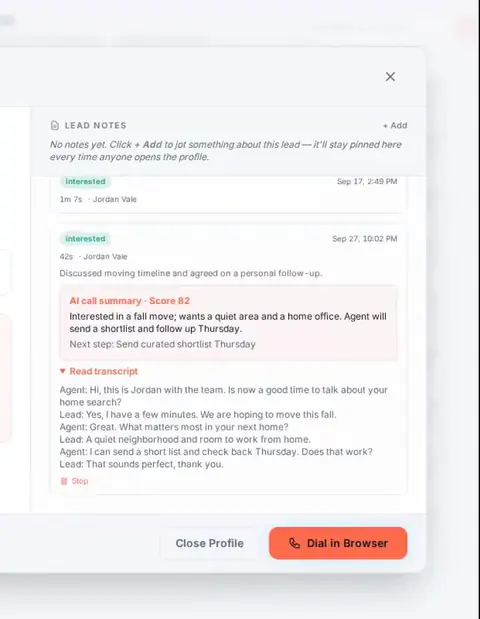
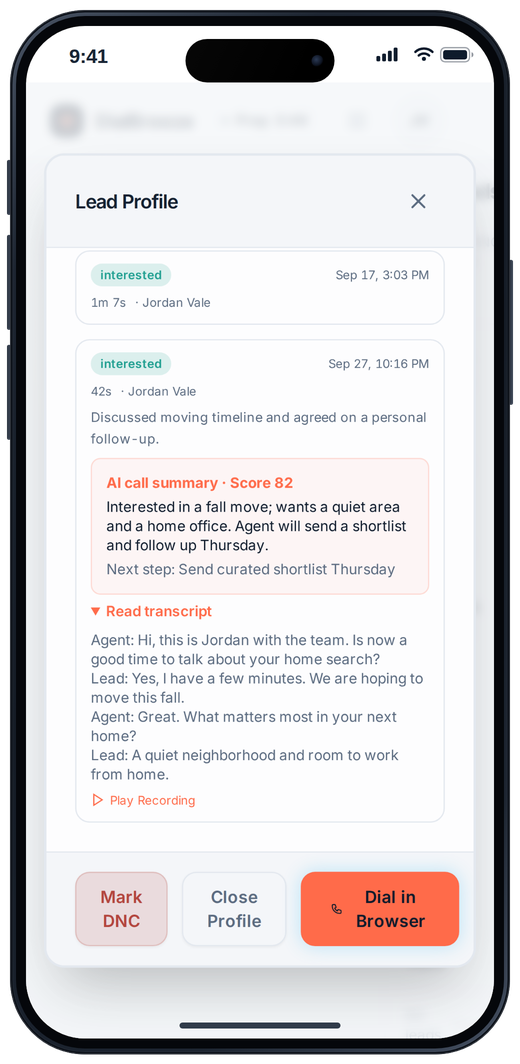
Lead profile on a phone with the call transcript under the AI summary

Product interface, sample data. Phone: the transcript on a lead profile.

How it works.

4 steps, in the order they happen during a session.

  1. 1

    Transcription runs after the call

    The worker picks up the recording once the call is over and produces a best-effort, word-for-word transcript. Nothing runs live on the call, and nothing interrupts the conversation.

  2. 2

    The text files on the record

    The transcript lands on the call record with the summary, the structured fields, the disposition and the notes, so whoever reviews later reads one story instead of assembling it.

  3. 3

    Quote it accurately

    Use the transcript to locate exact wording: what was promised, what was asked, what was refused. There are no speaker labels, so read the exchange in sequence.

  4. 4

    Verify before you act

    Names, dates, amounts and addresses get misheard. Check anything that will appear in written follow-up against the recording before it leaves your hands. Then quote the verified line.

The specifics.

What the product does today. Plans from $25 per seat; three lines, voicemail drop and AI start at Pro, $49.

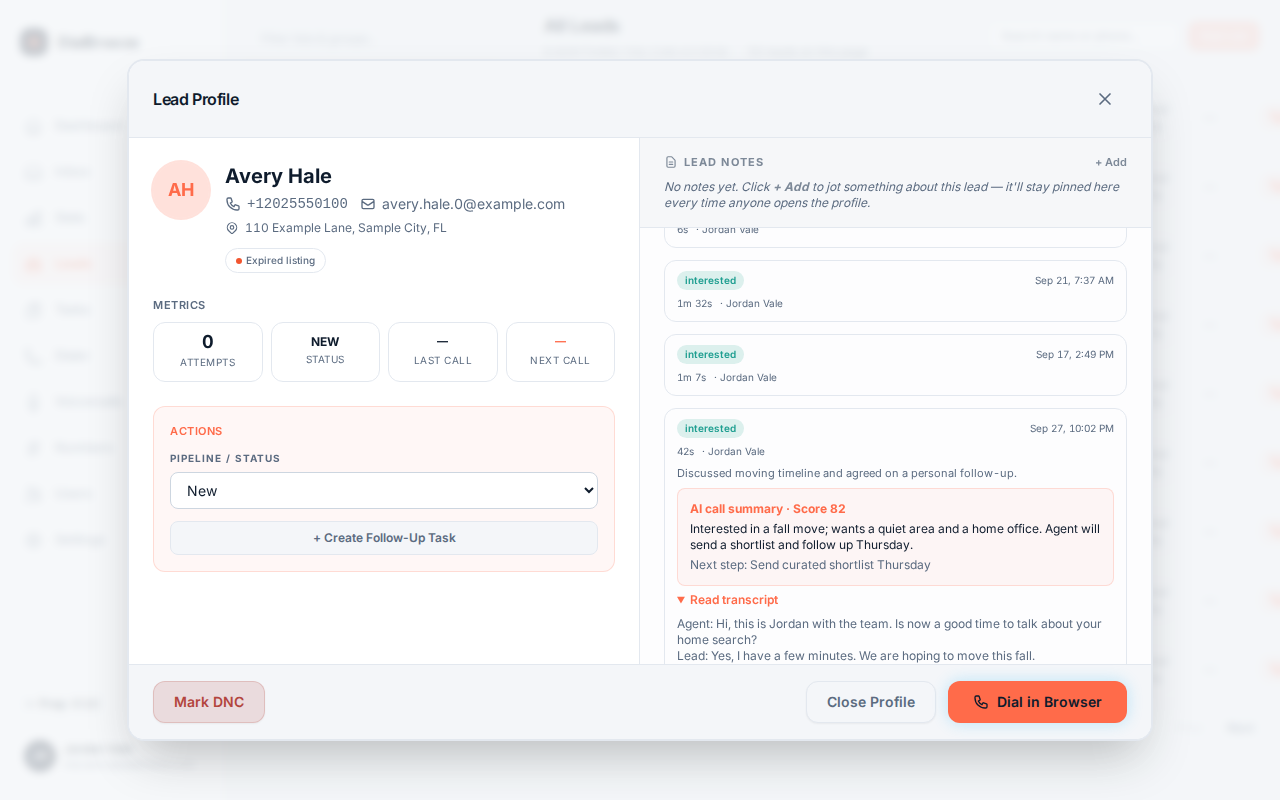
After-call review showing the call transcript beside the playback controls and summary
Real product interface, sample data.
Word for word
A transcription attempt of the full recorded audio, errors included.
No speaker labels
The text reads as one continuous exchange without speaker tags.
After the call
Processing runs on the recording afterward; nothing runs live on the line.
On the record
Transcript sits with summary, structured fields, disposition and operator note.
Known failure
Overlapping speech and unusual phrasing transcribe incorrectly; verify against audio.

What a machine transcript actually is

A transcript here is a best-effort, word-for-word attempt from the recorded audio. It is not a cleaned-up summary of what was meant. The published real-call example on this site keeps its transcription errors on purpose: a readback email address gets mangled, and "where are you located" comes out as "5454 are you located". That is what machine transcription looks like when it is honest.

The transcript has no speaker labels. The conversation reads as one continuous exchange, and you follow it by content. Names, dates, numbers, overlapping speech and unusual phrasing are where it errs most, so the recording stays the authority whenever the wording matters.

Used with that respect, the transcript is the fastest way back into a call. Search for the moment an objection appeared, quote the exact promise, and check whether the summary's claim about the next step matches what either party said.
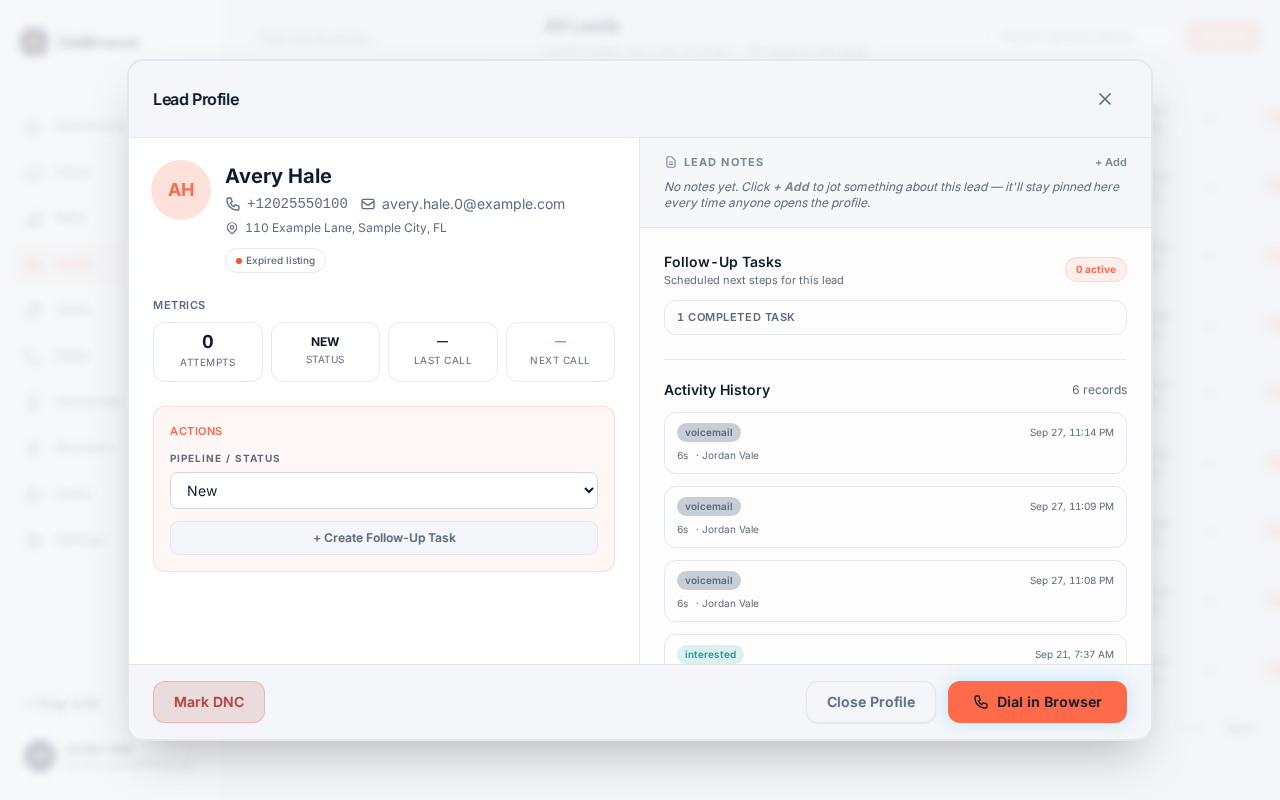
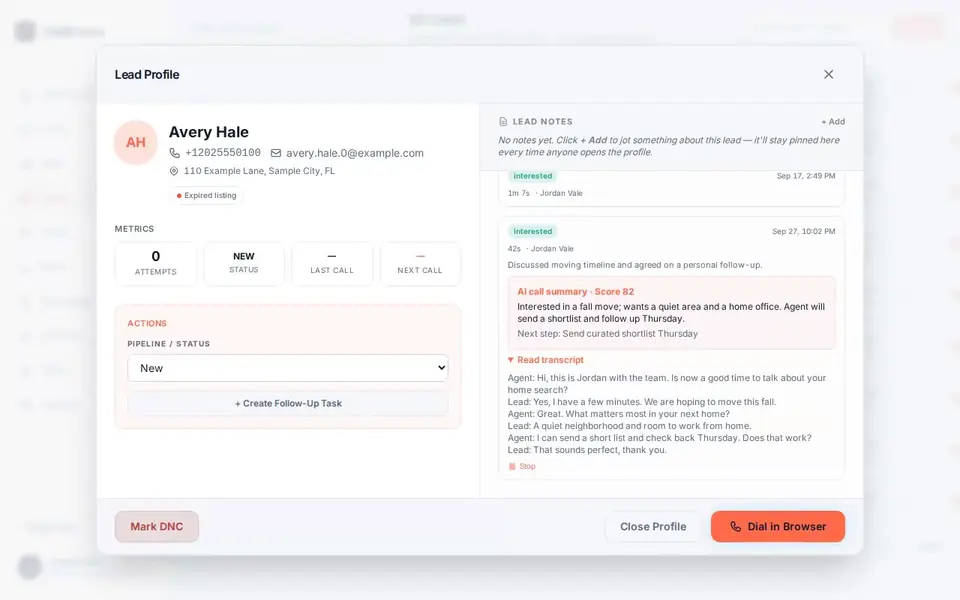
From audio to text to follow-up

The pipeline runs entirely after the call. The recording is processed, the transcript is filed, and the fixed structured fields and summary follow on the same record. Production use counted 13,311 calls carrying a transcript, a summary and fixed structured fields, so this is the normal path, not a lucky case.

The transcript earns its keep when the wording matters. Before a written follow-up quotes a price, a time or an address, open the transcript and confirm the line against the audio. Before a dispute turns on who said what, read the sequence in full rather than the summary's compression of it.

Handle derived text with the same care as the call. A transcript can reproduce a sensitive detail a lead said once in passing, so keep it inside the group that needs it instead of pasting it into broad channels. Transcription is included on Pro and Team, with no per-call charge.

Questions about call transcription.

Straight answers. Anything else: email support.

How accurate are the transcripts?
No accuracy percentage is claimed, because one you cannot verify would mislead you. Machine transcription errs on names, dates, amounts, overlapping speech and unusual phrasing. The real-call example published on this site shows the errors deliberately. Read the transcript to locate wording, then confirm anything consequential against the recording itself.
Does the transcript show who said what?
No. The stored transcript has no speaker labels; it reads as one continuous exchange. In practice you follow the alternation by content, which works for reviewing an objection or a promise. If attribution genuinely matters to a decision, listen to the recording before acting rather than inferring the speaker from the text.
When does the transcript appear?
After the call ends, the after-call worker processes the recording and files the transcript on the call record, together with the fixed structured fields and the summary. Nothing transcribes live on the call. If a transcript has not appeared, check whether usable audio exists and whether processing is still running before concluding anything.
Is transcription an upgrade?
No. Transcription, structured fields and summaries are included on Pro at $49 a month and Team at $79 a month for two dialing seats; Starter at $25 does not include AI. There is no per-transcript or per-call AI charge; your Telnyx account bills carrier usage separately, and the software subscription is the only DialBreeze bill.
Can I copy a transcript into my CRM?
You can copy the text, but check it first. A transcript can reproduce sensitive details a lead mentioned in passing, and it can carry transcription errors into a system of record. The signed webhook hands call dispositions to your CRM automatically; transcript text itself is something you review and place deliberately.

Try it on a real session.

Setup is assisted. A person on our team creates your workspace, admin login and dialing seats after you choose a plan or send a setup request; there is no instant self-serve signup. Calls run on your own Telnyx account (bring your own), which Telnyx bills separately, and need an eligible calling list. The request form takes no payment and does not create an account.

Request setupPricing